Subway Ordering for California3.15
Publisher Description
** Exclusively for SUBWAY® restaurants in California! **
Check our demo video at http://youtube.com/zippyyum
This is the most amazing ordering app that exists! It is the only app that truly emulates the unique Subway experience.
Don't stand in line... Order Online! You can now place your order online and have it ready when you get to your SUBWAY®.*
FEATURES:
*Select the nearest Subway location that takes smartphone orders
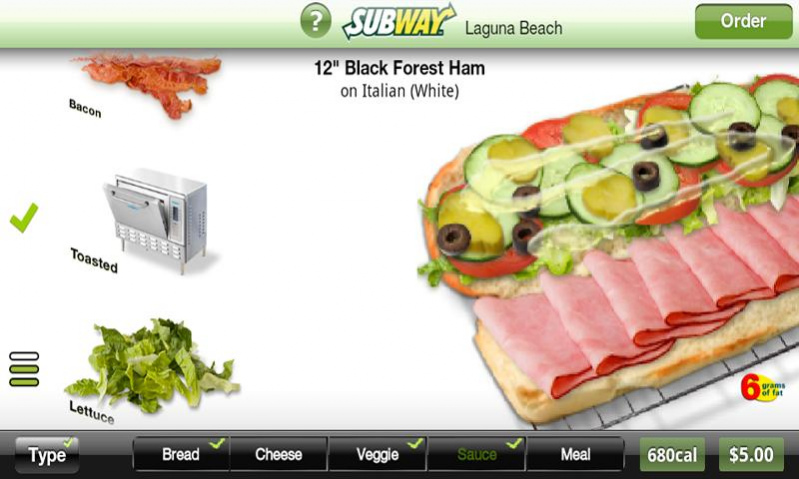
*Build your sandwich, your salad or your breakfast the way you like it.
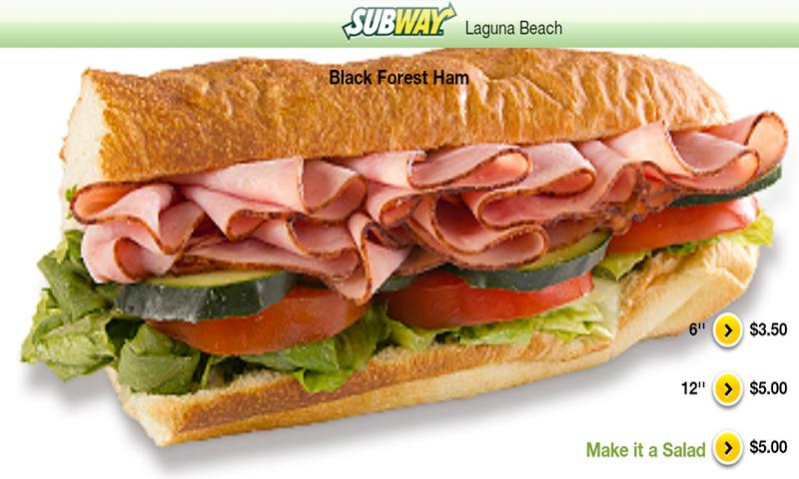
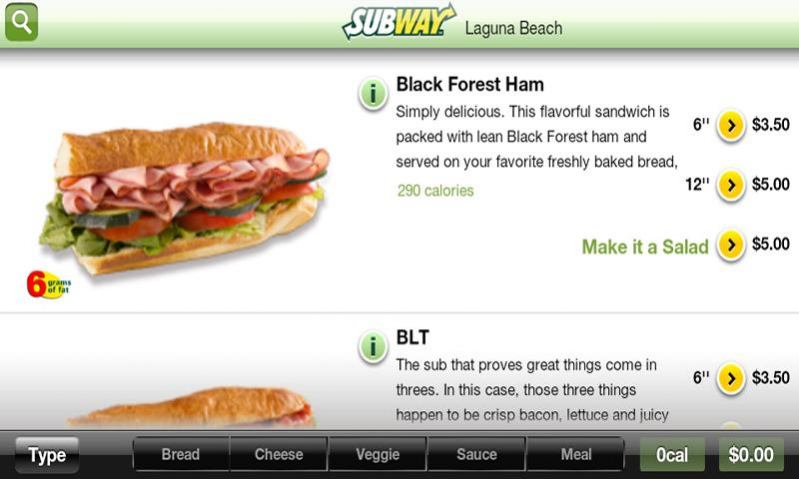
*You can see every sandwich in mouth-watering detail
*Review the nutritional information on each sandwich
*Watch the calories and the price change as you build your sandwich.
*See the nutritional information in detail on your custom sandwich
*Toast your sandwich
*Build your own combo meal
* Share your cart with other users to allow them to bump their orders over. Great for group orders!!!
*Locate any Subway in the US with address, phone number and driving directions (ordering is exclusive to California)
*Pay cash or with credit card (certain store may not support credit card)
*Any specials or discounts are applied automatically!
TIPS:
*Save your favorite sandwiches in your favorites
*Repeat past orders with one tap
*If you are registered, we will remember your information
Giant Subs and kids meals support coming soon!
** PATENT PENDING **
We would love to get your feedback to improve this app at: support@zippyyum.com
About Subway Ordering for California
The company that develops Subway Ordering for California is ZippyYum. The latest version released by its developer is 3.15.
To install Subway Ordering for California on your Android device, just click the green Continue To App button above to start the installation process. The app is listed on our website since 2019-03-03 and was downloaded 6 times. We have already checked if the download link is safe, however for your own protection we recommend that you scan the downloaded app with your antivirus. Your antivirus may detect the Subway Ordering for California as malware as malware if the download link to com.zippyyum.subway is broken.
How to install Subway Ordering for California on your Android device:
- Click on the Continue To App button on our website. This will redirect you to Google Play.
- Once the Subway Ordering for California is shown in the Google Play listing of your Android device, you can start its download and installation. Tap on the Install button located below the search bar and to the right of the app icon.
- A pop-up window with the permissions required by Subway Ordering for California will be shown. Click on Accept to continue the process.
- Subway Ordering for California will be downloaded onto your device, displaying a progress. Once the download completes, the installation will start and you'll get a notification after the installation is finished.
Program Details
System requirements
Download information
Pricing
Version History
version 3.15
posted on 2019-03-03
Bug Fixes
version 3.12
posted on 2015-12-02
Version 3.12,Support of Deluxe Meat Sandwiches.
version 3.1.2
posted on 2013-05-30
Several fixes and updates
